

As an Amazon Associate we earn from qualifying purchases.
- Best overall: TP-Link Deco BE65 Tri-Band Wi-Fi 7 Mesh System (3-Pack)
- Best budget: TP-Link Deco X55 Dual-Band Wi-Fi 6 Mesh System (3-Pack)
- Best premium: TP-Link Deco BE95 Quad-Band Wi-Fi 7 Mesh System (2-Pack)
- Best for fast wired internet: TP-Link Deco XE200 Tri-Band Wi-Fi 6E Mesh System (2-Pack)
- TP-Link Deco BE65 brings Wi-Fi 7 and four 2.5 Gbps ports per unit.
- TP-Link Deco XE200 pairs Wi-Fi 6E with a 10 Gbps port for fast wired connections.
- TP-Link Deco BE63 offers a lower-cost route to Wi-Fi 7 and multi-gig Ethernet.
- TP-Link Deco X55 suits homes that need reliable Wi-Fi 6 mesh without 6 GHz.
Choosing between the TP-Link Deco BE65 and TP-Link Deco XE200 for Black Friday 2026 comes down to which matters more: newer Wi-Fi 7 features or a 10 Gbps wired port. We researched and compared specs, reviews and owner feedback across TP-Link’s mesh range to help match each system to a home, internet plan and device mix.
The TP-Link Deco BE65 is the stronger fit for households upgrading to Wi-Fi 7, while the TP-Link Deco XE200 is a compelling premium Wi-Fi 6E option with a faster wired connection. Our guide also covers five alternatives, including budget-friendly Wi-Fi 6 systems and top-tier Wi-Fi 7 kits. Best bet: choose by your fastest internet connection, home layout and need for wired backhaul.
How We Picked
- Compared Wi-Fi generation, band configuration and published wireless speed classes.
- Checked Ethernet port types and counts for wired internet, backhaul and device connections.
- Considered product bundles and coverage claims alongside owner feedback about setup and everyday use.
- Matched each system to a clear shopper need, from entry-level mesh to premium Wi-Fi 7.
Comparison Table
| Product | Best for | Wi-Fi class | 6 GHz band rate | Multi-gig ports |
|---|---|---|---|---|
| TP-Link Deco BE65 Tri-Band Wi-Fi 7 Mesh System (3-Pack) | Wi-Fi 7 and multi-gig connections | BE11000 | 5760 Mbps | 4 x 2.5 Gbps per unit |
| TP-Link Deco XE200 Tri-Band Wi-Fi 6E Mesh System (2-Pack) | Fast wired internet and Wi-Fi 6E | AXE11000 | 4804 Mbps | 1 x 10 Gbps and 1 x 2.5 Gbps per unit |
| TP-Link Deco BE63 Tri-Band Wi-Fi 7 Mesh System (3-Pack) | Value-focused Wi-Fi 7 | BE10000 | 5760 Mbps | 4 x 2.5 Gbps per unit |
| TP-Link Deco BE85 Tri-Band Wi-Fi 7 Mesh System (2-Pack) | High-capacity Wi-Fi 7 | BE19000 | 11520 Mbps | 4 multi-gig ports per unit |
| TP-Link Deco BE95 Quad-Band Wi-Fi 7 Mesh System (2-Pack) | Premium quad-band Wi-Fi 7 | BE33000 | 11520 Mbps | 4 multi-gig ports per unit |
| TP-Link Deco XE75 Pro Tri-Band Wi-Fi 6E Mesh System (3-Pack) | Midrange Wi-Fi 6E | AXE5400 | 2402 Mbps | 1 x 2.5 Gbps per unit |
| TP-Link Deco X55 Dual-Band Wi-Fi 6 Mesh System (3-Pack) | Budget Wi-Fi 6 mesh | AX3000 | No 6 GHz band | 0; 3 x 1 Gbps ports per unit |
Best Picks Reviewed
#1 · Top pick
TP-Link Deco BE65 Tri-Band Wi-Fi 7 Mesh System (3-Pack)
The TP-Link Deco BE65 Tri-Band Wi-Fi 7 Mesh System (3-Pack) is the best Wi-Fi 7 upgrade for busy homes that want four 2.5 Gbps ports per unit.

Best for: Wi-Fi 7 and multi-gig wired connections
- Wi-Fi class
- BE11000
- 6 GHz band rate
- 5760 Mbps
- Multi-gig ports
- 4 x 2.5 Gbps per unit
- Wi-Fi 7 support
- Four 2.5 Gbps ports on each unit
- Three-unit bundle for broad mesh coverage
- Wi-Fi 7 benefits require compatible devices
Is the TP-Link Deco BE65 Tri-Band Wi-Fi 7 Mesh System (3-Pack) worth buying on Black Friday 2026?
Yes. The TP-Link Deco BE65 Tri-Band Wi-Fi 7 Mesh System (3-Pack) is a strong Black Friday 2026 choice for homes ready for Wi-Fi 7, with a 5760 Mbps 6 GHz band and four 2.5 Gbps ports on every unit.
See today’s Black Friday price on Amazon
#2
TP-Link Deco XE200 Tri-Band Wi-Fi 6E Mesh System (2-Pack)
The TP-Link Deco XE200 Tri-Band Wi-Fi 6E Mesh System (2-Pack) is the best premium Wi-Fi 6E pick for homes that need a 10 Gbps port.

Best for: Fast wired internet and Wi-Fi 6E
- Wi-Fi class
- AXE11000
- 6 GHz band rate
- 4804 Mbps
- Multi-gig ports
- 1 x 10 Gbps and 1 x 2.5 Gbps per unit
- Dedicated 6 GHz Wi-Fi 6E band
- 10 Gbps Ethernet port
- Two-unit mesh bundle
- Wi-Fi 6E rather than Wi-Fi 7
Is the TP-Link Deco XE200 Tri-Band Wi-Fi 6E Mesh System (2-Pack) worth buying on Black Friday 2026?
Yes. The TP-Link Deco XE200 Tri-Band Wi-Fi 6E Mesh System (2-Pack) is worth considering for a fast wired setup, offering a 10 Gbps port and 4804 Mbps on its 6 GHz band. Choose it when Wi-Fi 6E meets your needs.
See today’s Black Friday price on Amazon
#3
TP-Link Deco BE63 Tri-Band Wi-Fi 7 Mesh System (3-Pack)
The TP-Link Deco BE63 Tri-Band Wi-Fi 7 Mesh System (3-Pack) is the best value Wi-Fi 7 mesh pick for homes that want four 2.5 Gbps ports per unit.

Best for: Affordable Wi-Fi 7 mesh
- Wi-Fi class
- BE10000
- 6 GHz band rate
- 5760 Mbps
- Multi-gig ports
- 4 x 2.5 Gbps per unit
- Wi-Fi 7 across a three-unit kit
- Four 2.5 Gbps ports per unit
- Good fit for multi-gig home networks
- Does not offer the XE200’s 10 Gbps port
Is the TP-Link Deco BE63 Tri-Band Wi-Fi 7 Mesh System (3-Pack) worth buying on Black Friday 2026?
Yes. The TP-Link Deco BE63 Tri-Band Wi-Fi 7 Mesh System (3-Pack) offers a practical entry to Wi-Fi 7, with a 5760 Mbps 6 GHz band and four 2.5 Gbps ports per unit. The TP-Link Deco BE63 Tri-Band Wi-Fi 7 Mesh System (3-Pack) suits homes that value multiple wired connections.
See today’s Black Friday price on Amazon
#4
TP-Link Deco BE85 Tri-Band Wi-Fi 7 Mesh System (2-Pack)
The TP-Link Deco BE85 Tri-Band Wi-Fi 7 Mesh System (2-Pack) is the best high-capacity Wi-Fi 7 choice for homes with 11520 Mbps of 6 GHz band capacity.
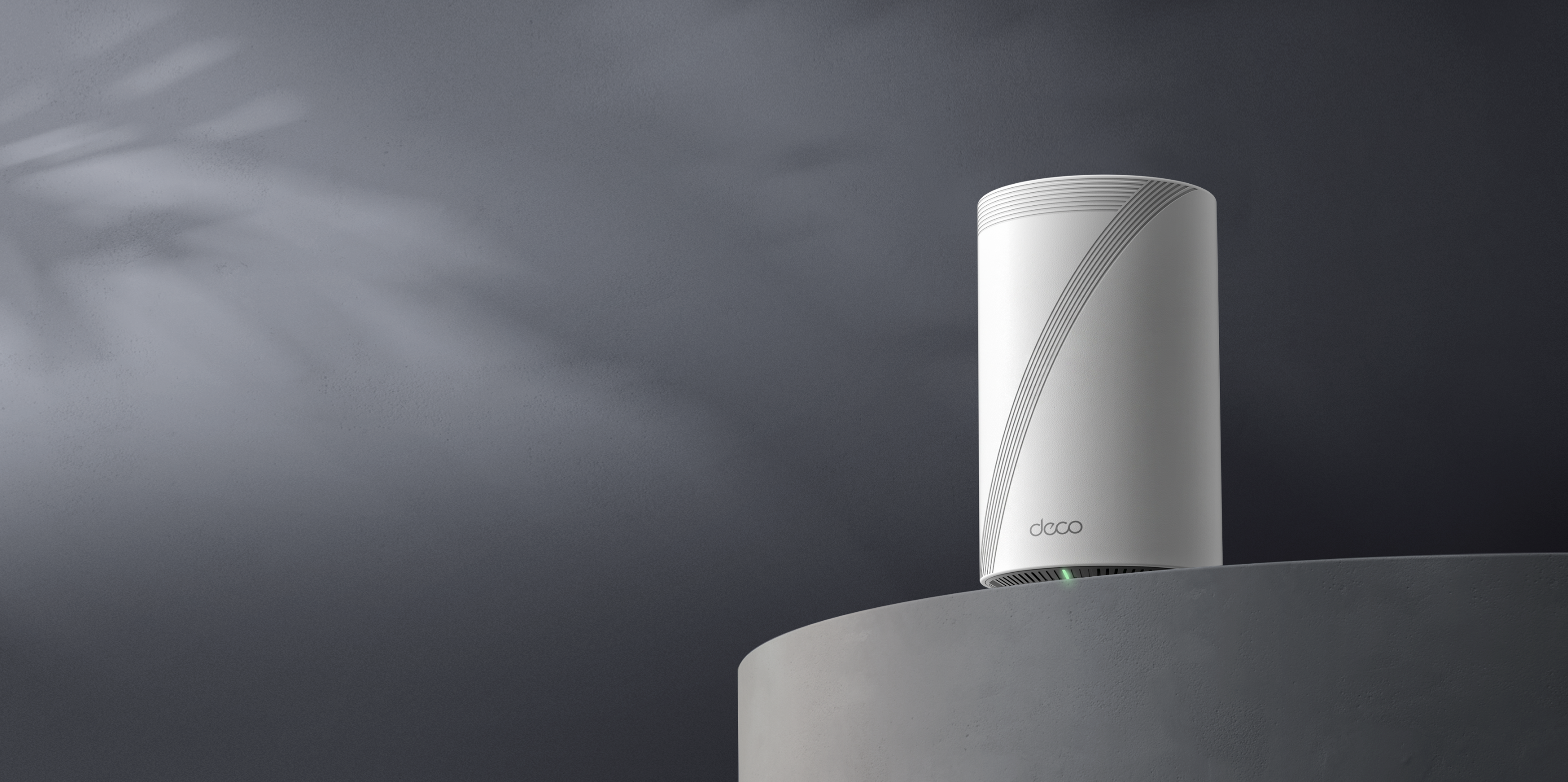
Best for: High-speed Wi-Fi 7 households
- Wi-Fi class
- BE19000
- 6 GHz band rate
- 11520 Mbps
- Multi-gig ports
- 4 per unit
- High-capacity Wi-Fi 7
- Multiple multi-gig wired connections
- Two-unit system for large homes
- More capability than a basic internet plan needs
Is the TP-Link Deco BE85 Tri-Band Wi-Fi 7 Mesh System (2-Pack) worth buying on Black Friday 2026?
Yes. The TP-Link Deco BE85 Tri-Band Wi-Fi 7 Mesh System (2-Pack) is a premium option for demanding homes, with a 11520 Mbps 6 GHz band and four multi-gig ports per unit. Pair it with compatible devices and a fast broadband plan.
See today’s Black Friday price on Amazon
#5
TP-Link Deco BE95 Quad-Band Wi-Fi 7 Mesh System (2-Pack)
The TP-Link Deco BE95 Quad-Band Wi-Fi 7 Mesh System (2-Pack) is the best premium quad-band pick for demanding households, with a 11520 Mbps 6 GHz band.
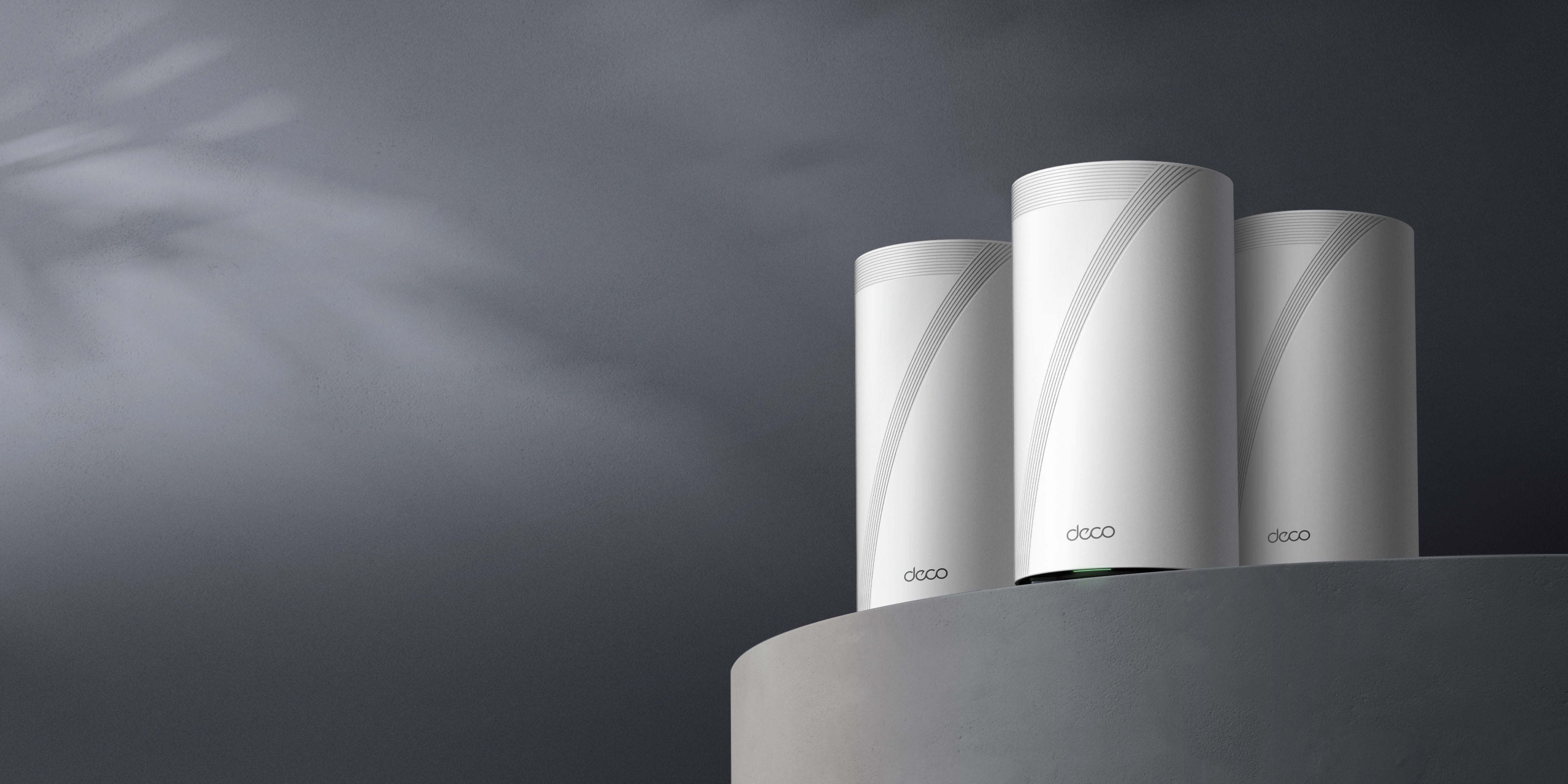
Best for: Maximum Wi-Fi 7 capacity
- Wi-Fi class
- BE33000
- 6 GHz band rate
- 11520 Mbps
- Multi-gig ports
- 4 per unit
- Quad-band Wi-Fi 7 design
- Two 6 GHz bands
- Multiple high-speed Ethernet ports
- Premium features exceed basic household needs
Is the TP-Link Deco BE95 Quad-Band Wi-Fi 7 Mesh System (2-Pack) worth buying on Black Friday 2026?
Yes. The TP-Link Deco BE95 Quad-Band Wi-Fi 7 Mesh System (2-Pack) is a strong premium choice for homes with many active devices, thanks to quad-band Wi-Fi 7 and two 6 GHz bands. The TP-Link Deco BE95 Quad-Band Wi-Fi 7 Mesh System (2-Pack)'s full value depends on compatible clients and network demands.
See today’s Black Friday price on Amazon
#6
TP-Link Deco XE75 Pro Tri-Band Wi-Fi 6E Mesh System (3-Pack)
The TP-Link Deco XE75 Pro Tri-Band Wi-Fi 6E Mesh System (3-Pack) is the best midrange Wi-Fi 6E option for homes needing a 2.5 Gbps port.
Best for: Wi-Fi 6E at a midrange tier
- Wi-Fi class
- AXE5400
- 6 GHz band rate
- 2402 Mbps
- Multi-gig ports
- 1 x 2.5 Gbps per unit
- Dedicated 6 GHz band
- 2.5 Gbps Ethernet port
- Three-unit bundle
- Wi-Fi 6E rather than Wi-Fi 7
Is the TP-Link Deco XE75 Pro Tri-Band Wi-Fi 6E Mesh System (3-Pack) worth buying on Black Friday 2026?
Yes. The TP-Link Deco XE75 Pro Tri-Band Wi-Fi 6E Mesh System (3-Pack) is a sensible upgrade for households that want a 6 GHz band without stepping up to Wi-Fi 7. Each unit includes a 2.5 Gbps port for a faster wired connection.
See today’s Black Friday price on Amazon
#7
TP-Link Deco X55 Dual-Band Wi-Fi 6 Mesh System (3-Pack)
The TP-Link Deco X55 Dual-Band Wi-Fi 6 Mesh System (3-Pack) is the best budget mesh choice for homes that want three gigabit Ethernet ports per unit.
Best for: Affordable whole-home Wi-Fi 6
- Wi-Fi class
- AX3000
- 6 GHz band rate
- No 6 GHz band
- Multi-gig ports
- 0; 3 x 1 Gbps ports per unit
- Three-unit mesh bundle
- Three gigabit ports per unit
- Straightforward Wi-Fi 6 option
- No 6 GHz band or multi-gig Ethernet
Is the TP-Link Deco X55 Dual-Band Wi-Fi 6 Mesh System (3-Pack) worth buying on Black Friday 2026?
Yes. The TP-Link Deco X55 Dual-Band Wi-Fi 6 Mesh System (3-Pack) is a practical choice for everyday Wi-Fi 6 coverage when multi-gig ports and 6 GHz are not priorities. Each unit has three gigabit Ethernet ports for wired devices.
See today’s Black Friday price on Amazon
TP-Link Deco BE65 vs TP-Link Deco XE200: which is better for Black Friday 2026?
The TP-Link Deco BE65 and TP-Link Deco XE200 serve different upgrade priorities: the BE65 adds Wi-Fi 7, while the XE200 has a 10 Gbps Ethernet port. Both are tri-band mesh systems with a dedicated 6 GHz band, so either can suit a home with compatible newer devices.
Choose the TP-Link Deco BE65 Tri-Band Wi-Fi 7 Mesh System (3-Pack) for four 2.5 Gbps ports per unit and Wi-Fi 7 support. Pick the TP-Link Deco XE200 Tri-Band Wi-Fi 6E Mesh System (2-Pack) when the 10 Gbps port is more useful than a newer wireless standard. Easy recommendation: match the system to your router, modem and wired equipment before choosing a bundle.
Is Wi-Fi 7 worth choosing over Wi-Fi 6E?
Wi-Fi 7 systems such as the TP-Link Deco BE65 support newer Wi-Fi features, while the TP-Link Deco XE200 uses Wi-Fi 6E with a 4804 Mbps 6 GHz band. Wi-Fi 7 is the more forward-looking choice for households adding compatible devices and upgrading their network over time.
Wi-Fi 6E remains a capable option for devices that already support 6 GHz, and the XE200’s 10 Gbps port stands out for wired networking. Wireless class ratings describe combined theoretical band capacity, not the speed one device receives. Internet service, placement, walls and client hardware all affect real-world performance.
How many Deco mesh units does a home need?
A TP-Link Deco 3-Pack includes 3 mesh units, while the TP-Link Deco XE200 2-Pack includes 2; the right count depends on your floor plan and signal obstacles. A larger home or a layout with several floors generally benefits from more strategically placed access points.
Start with the bundle’s stated coverage and your home’s construction, then place units in open areas between the router and weaker rooms. Thick walls, dense materials and interference can reduce coverage. TP-Link Deco systems are designed to work together across compatible models, though network performance reflects the capabilities of the connected devices.
Which Deco features matter for wired backhaul and gaming?
The TP-Link Deco BE65 has four 2.5 Gbps ports per unit, while the TP-Link Deco XE200 includes a 10 Gbps port and a 2.5 Gbps port. Those connections matter for fast broadband, wired backhaul and devices such as desktops, network storage and game consoles.
Wired backhaul connects mesh units using Ethernet instead of relying only on wireless communication between units. A fast port is useful only when the modem, switch, cable and connected device support the same speeds. For gaming, stable placement and a wired connection to the console or PC often matter as much as the router’s advertised Wi-Fi class.
Are TP-Link Deco systems compatible with existing home networks?
TP-Link Deco mesh systems connect to a modem or existing internet gateway through Ethernet, and compatible Deco models can join the same Deco network. The modem or gateway still supplies the internet connection; a Deco system distributes Wi-Fi coverage around the home.
Before buying, check whether your internet provider’s equipment supports bridge mode or whether you prefer to run Deco in access point mode. Look at the app requirements, Ethernet port needs and device compatibility too. Existing Wi-Fi 6 clients connect to newer Wi-Fi 7 systems, but those clients do not gain Wi-Fi 7 features without compatible hardware.
Buying Guide
Choose the Wi-Fi generation
For Wi-Fi 7, compare the TP-Link Deco BE65, BE63, BE85 and BE95. The TP-Link Deco XE200 and XE75 Pro offer Wi-Fi 6E, while the TP-Link Deco X55 is a Wi-Fi 6 option.
Match Ethernet to your internet plan
The TP-Link Deco XE200 has a 10 Gbps port. The TP-Link Deco BE65 and BE63 offer four 2.5 Gbps ports per unit. Gigabit connections on the TP-Link Deco X55 fit homes without multi-gig wired needs.
Pick the right number of units
Compare 2-Pack and 3-Pack coverage with your home’s layout, floors and wall materials. Extra Deco units extend the mesh, but thoughtful placement helps keep connections strong throughout the home.
Check client device support
Wi-Fi 7 features require Wi-Fi 7 clients, and Wi-Fi 6E’s 6 GHz band requires Wi-Fi 6E devices. Older devices still connect to these systems using supported Wi-Fi standards.
Prioritize useful features over class ratings
Compare Ethernet ports, band support and bundle size before choosing a high combined speed class. The TP-Link Deco X55 can be a better fit than a premium model when gigabit Wi-Fi 6 meets your needs.
FAQ
Which is better, TP-Link Deco BE65 or TP-Link Deco XE200?
The TP-Link Deco BE65 is the better pick for Wi-Fi 7 and four 2.5 Gbps ports per unit. The TP-Link Deco XE200 is a better fit when its 10 Gbps Ethernet port is the priority. Choose based on your connected devices and wired network.
Does the TP-Link Deco BE65 have a 10 Gbps port?
The TP-Link Deco BE65 Tri-Band Wi-Fi 7 Mesh System has four 2.5 Gbps ports per unit, rather than the TP-Link Deco XE200’s 10 Gbps port. The BE65 suits several multi-gig wired devices, while the XE200 offers one faster Ethernet connection.
Is the TP-Link Deco XE200 still a good Wi-Fi 6E mesh system?
Yes. The TP-Link Deco XE200 remains a premium Wi-Fi 6E mesh option with a 4804 Mbps 6 GHz band and a 10 Gbps port. The TP-Link Deco BE65 is the newer-standard choice for shoppers prioritizing Wi-Fi 7.
Can TP-Link Deco BE65 and XE200 work together?
The TP-Link Deco BE65 and TP-Link Deco XE200 are compatible with Deco mesh networking, so compatible units can join a Deco network. Mixed-model setups use the features of connected hardware, and network performance depends on placement, client devices and the network configuration.
Which TP-Link Deco system is best for a budget mesh upgrade?
The TP-Link Deco X55 Dual-Band Wi-Fi 6 Mesh System (3-Pack) is a sensible budget-oriented option for homes that need coverage and gigabit Ethernet. The TP-Link Deco BE63 is a step up for shoppers who want Wi-Fi 7 and multiple 2.5 Gbps ports.